
- calendar_today August 18, 2025
Ask G-Assist: Instant Answers to Gaming Questions.
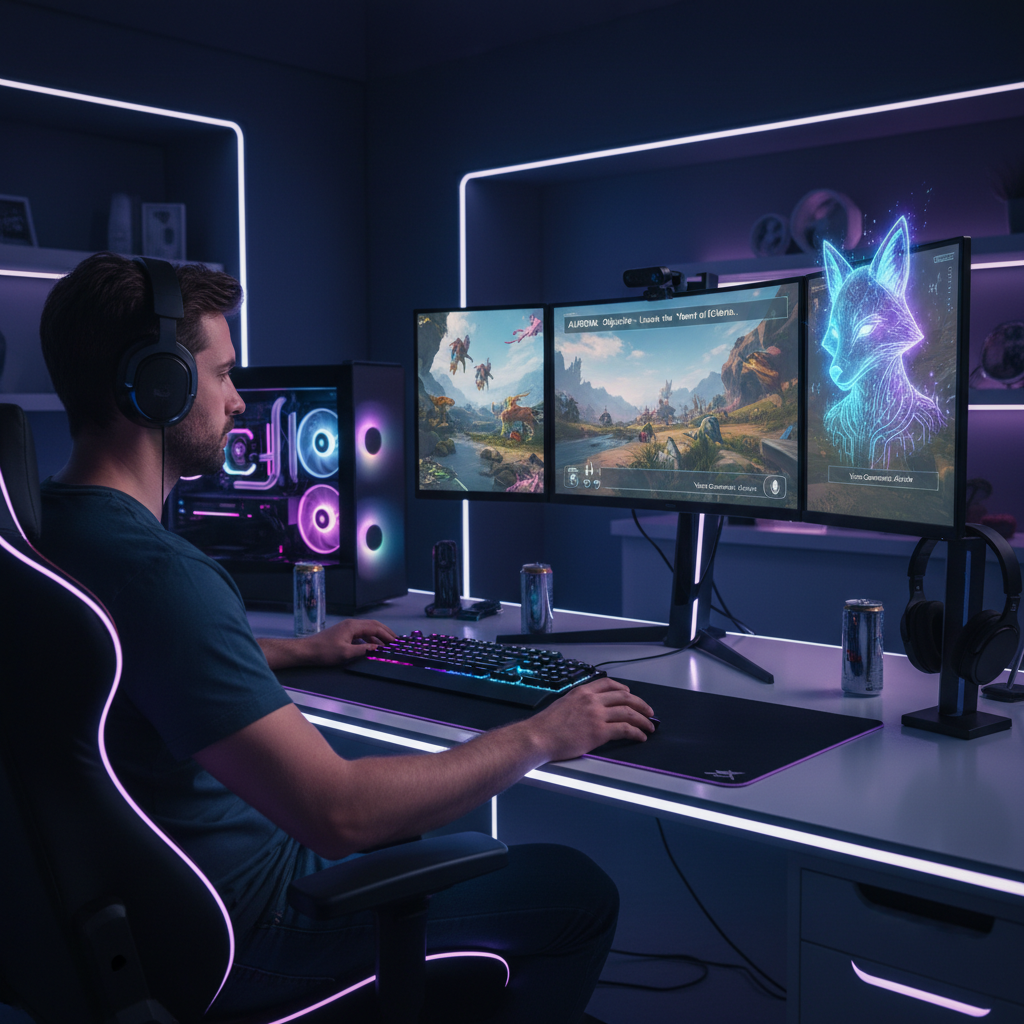
The graphics technology leader Nvidia is currently investigating artificial intelligence possibilities to transform the gaming experience. Nvidia’s experimental G-Assist AI has been introduced alongside their high-performance GPUs, which have earned recognition for producing visually impressive graphics. This tool, which runs on local machines, helps users optimize their PCs and brings new enhancements to gaming experiences.
Through an on-screen overlay accessible via the Nvidia desktop app, users can control an AI assistant using both text and voice commands, leading to expanded system control beyond traditional monitoring and offering new ways for gamers to interact with their hardware and software.
G-Assist offers multiple innovative capabilities that aim to simplify gaming experiences. Users can ask broad questions like “How does DLSS Frame Generation work?” and receive informative, AI-driven responses. The AI possesses the capability to handle specific system-level configurations as well.
G-Assist enables players to access immediate system analysis with dynamically created performance data charts when it is activated. The AI has the capability to change game settings and activate different features, which results in enhanced automated optimization. G-Assist helps performance enthusiasts by providing GPU overclocking alongside projected performance enhancements, which makes this intricate procedure more user-friendly.
Core Functionalities of G-Assist
G-Assist provides multiple advanced features that aim to enhance and simplify the gaming process. Users are able to submit broad inquiries such as “How does DLSS Frame Generation work?” and receive informative, AI-driven responses. The AI possesses the ability to control detailed system-level configurations.
G-Assist activation allows gamers to access real-time analyses of their system operations, which include dynamically generated data charts to visualize performance metrics. The AI system enables users to automate optimization by adjusting game settings and toggling various features. G-Assist expands performance limits by enabling GPU overclocking and projecting expected performance improvements while making a complex process easy to manage.
Expanding Control: Peripheral Integration
Nvidia expanded the functionality of G-Assist by incorporating third-party plug-in support. The AI assistant gains the ability to interact with devices from Logitech G, Corsair, MSI, and Nanoleaf while providing advanced features like thermal profile adjustments and LED lighting synchronization for broader system control.
The Drive for Localized AI in Gaming
Nvidia wants to highlight desktop systems with dedicated GPUs as powerful AI processors in response to the development of “AI laptops” in the PC market. Nvidia’s G-Assist stands apart from most cloud-based AI tools since it operates locally by utilizing the power of the user’s GeForce RTX graphics card.
Nvidia’s G-Assist uses a small language model (SLM), which is optimized for local operation to deliver quicker response times and increased privacy protection. Users need 3GB for basic text installation with voice control requiring an additional 3.5GB, bringing the total storage requirement to 6.5 GB. G-Assist functions with a GeForce RTX 30 series GPU or newer models that offer a minimum of 12GB VRAM. The software achieves performance levels that are tied to the GPU specifications, and future updates will include compatibility with laptop GPUs.
System Requirements and Performance Impact
Running G-Assist on a local GPU provides both positive aspects and potential difficulties. Local processing delivers possible advantages through better privacy protection and latency reduction, which results in faster user interactions. However, it also introduces performance considerations. The RTX 4070 showed higher GPU usage when users interacted with G-Assist. Running inference, which enables AI response generation, imposes computational demands that can affect other simultaneous tasks, especially high-performance games.
Running G-Assist processing in Baldur’s Gate 3 at maximum settings led to a frame rate decrease of about 20%. Systems that are operating close to their performance thresholds risk encountering worsened performance bottlenecks when using G-Assist. When gamers do not use demanding games, G-Assist works better, but heavy, continuous use requires a powerful GPU.
The Future of AI in Gaming
G-Assist’s experimental state becomes apparent through its irregular performance slowdowns and noticeable bugs. Users should continue to manually adjust system and game settings because it remains the most practical solution currently. G-Assist demonstrates substantial progress in tapping into gaming PCs’ AI capabilities, which suggests GPUs might deliver deeper and more engaging experiences in the future.
The evolution of GPU technology makes it more feasible to integrate complex AI models with high-demand games smoothly. Nvidia’s G-Assist shows an exciting yet developing view of AI-driven gaming possibilities.