- calendar_today August 22, 2025
The majority of AI features nowadays seem a little overhyped, let’s face it. There’s always a new dashboard, a gaudy interface, and a learning curve that makes you wonder if it’s worth it.
With Windows 11, however, Microsoft is taking a slightly different—and far more beneficial—approach.
The apps you currently use on a daily basis are being upgraded. No gaudy names. No large downloads. Snipping Tool, Photos, MS Paint, and even the Camera have all received subtle but wise updates. And it has a greater effect than you might imagine.
Use the Snipping Tool first. With good reason, it’s arguably one of the most popular Windows tools. It’s easy. Grab a screen grab. Completed.
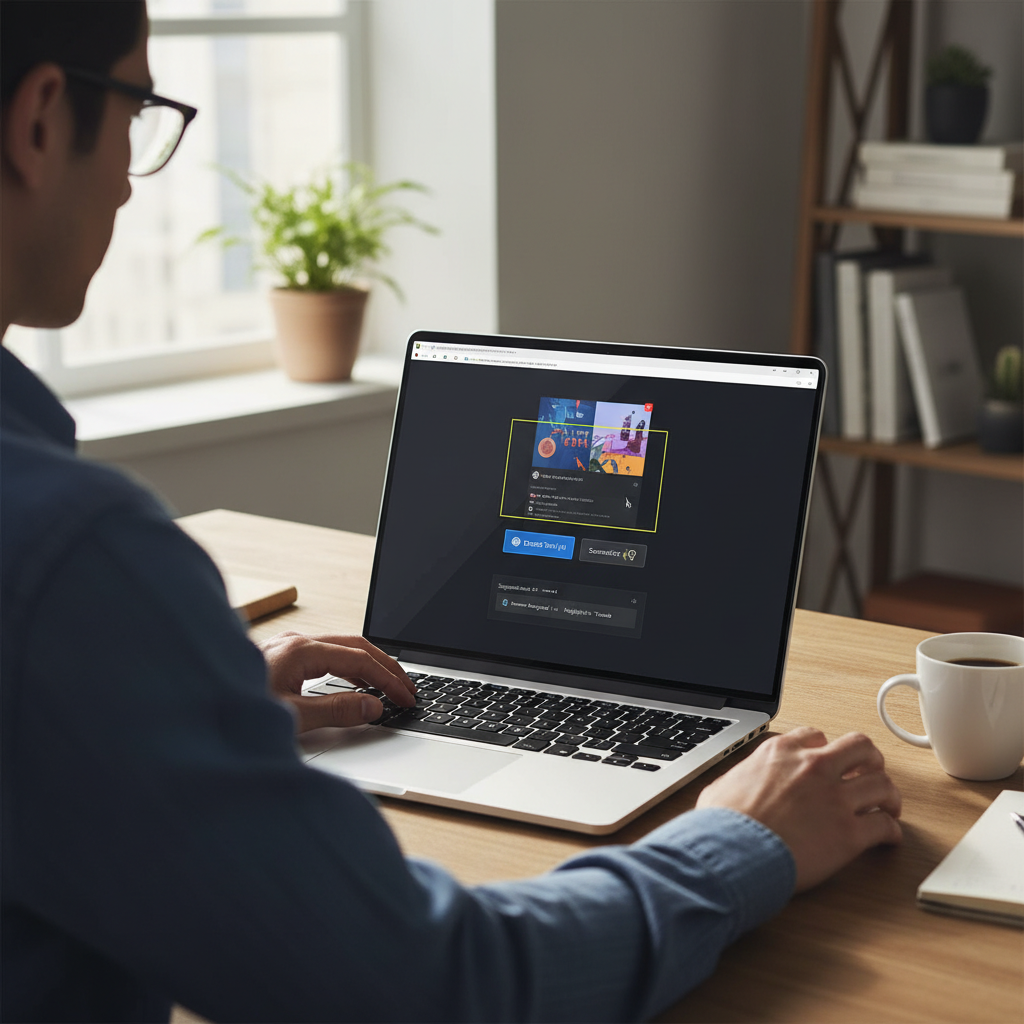
However, optical character recognition (OCR) is an upgrade that will save people a ton of time. This will enable you to directly copy text from a screenshot. Therefore, you can paste the text you take of a table in a PDF or an error code elsewhere. Don’t type it out any more. Don’t use third-party tools any more.
It’s a minor adjustment, but it improves your workflow right away.
The Photos app comes next. Microsoft is testing features that will allow it to recognize objects, people, and pets in your photos. This implies that you won’t need to use professional-grade software to eliminate backgrounds, blur specific regions, or isolate subjects anytime soon.
The goal is to make previously “expert-only” tools accessible to regular people.
Indeed, paint is now using artificial intelligence.
Many were taken aback by this one. AI features are now being added to Microsoft Paint, the drawing program that has been around for ages. Microsoft is specifically working on text-to-image generation, which is the process by which you type in something like “a cat sitting on a cloud drinking tea,” and Paint will produce it for you.
This is probably powered by a variant of DALL·E, the same generative model that Microsoft uses for Bing. Additionally, it offers visual creativity to anyone with an idea and a keyboard, even though it isn’t attempting to replace design software.
All of a sudden, Paint is a truly practical tool rather than just a nostalgic diversion.
Thanks to NPUs, everything is taking place locally.
Behind-the-scenes, a hardware change called Neural Processing Units (NPUs) makes all of this AI magic possible. Thanks to AMD’s 7040 chips and Intel’s Meteor Lake refresh, these specialized chips—which are designed for AI—are starting to appear in newer computers as standard.
NPUs enable everything to occur locally—on your device—in contrast to cloud-based AI. This implies fewer privacy issues and quicker reaction times. An internet connection is not required. You don’t have to be concerned about your data ending up on someone else’s server.
Microsoft is going one step further by integrating AI into the apps you use on a daily basis. Previously, NPUs were used for things like camera enhancements (background blur, eye contact correction, etc.).
The subtlety of all of this is refreshing. These updates aren’t very loud. There is no pop-up requesting that you “Enable AI Mode.” It simply functions. Silently. efficiently.
That is a feature in and of itself in the noisy tech world.